Samurai Sudoku Print: Free Printable Puzzles, Ready in One Click
Want to samurai sudoku print right now? This page gets you there in one click — no account, no download, completely free.
→ Open the daily print page and print your puzzle
That link opens a clean, browser-ready print sheet for today's puzzle. Hit Ctrl+P (or Cmd+P on Mac) and you're done.
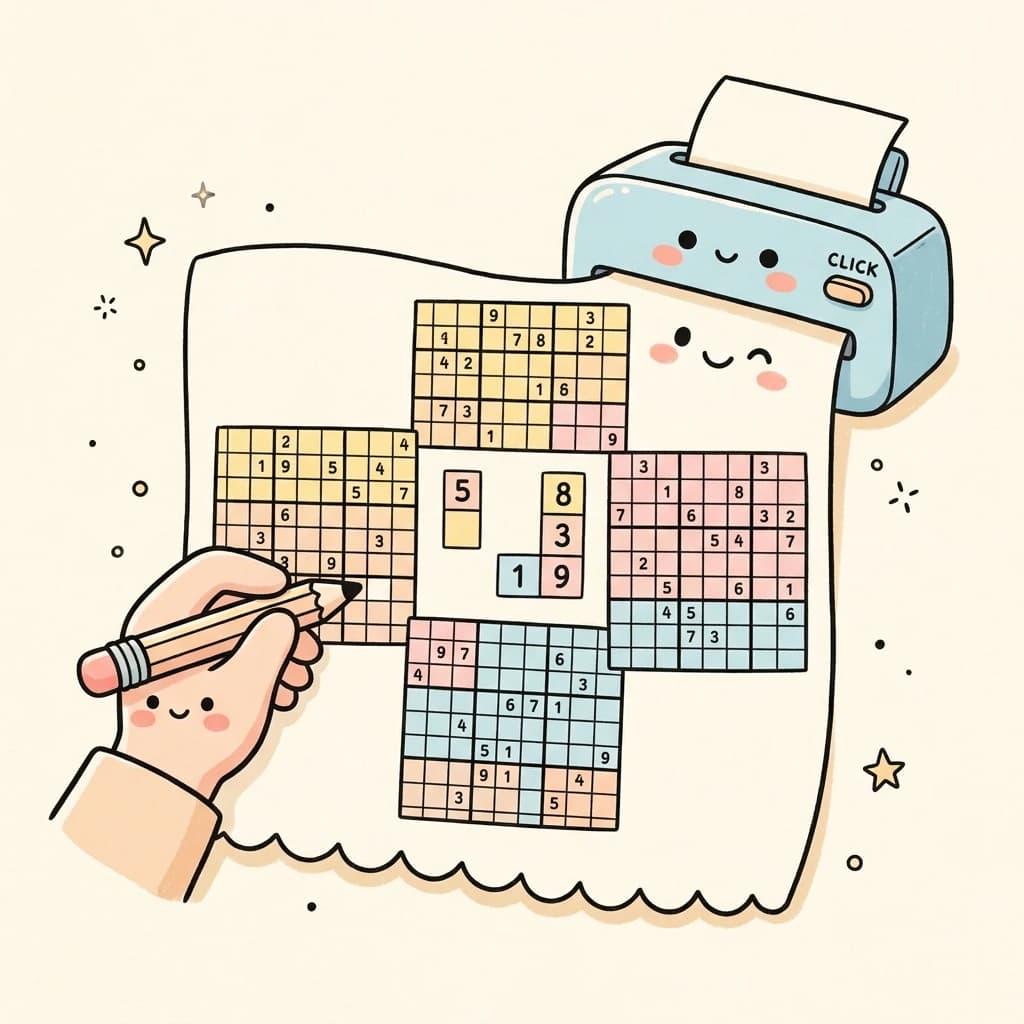
Pick your difficulty first
If you want a specific difficulty level instead of the daily puzzle, start on the homepage, load the board you want, then click "Print current board" in the action bar. It takes you straight to the print-ready page for that exact puzzle.
| Difficulty | Best for |
|---|---|
| Easy | Beginners, warm-up sessions |
| Medium | Relaxed afternoon solving |
| Hard | Long focused sessions, advanced players |
Two print settings that actually matter
Most people spend five minutes fighting their browser's print dialog. The only two things worth changing:
- Set scale to 100 % — prevents the browser from shrinking the grid automatically. Shrunken cells kill the whole point of printing.
- Turn off headers and footers — removes the URL and page number clutter from the margins.
Everything else (paper size A4 or US Letter, portrait orientation) can stay at defaults.
Want a backup copy? Save as PDF before printing. If your first attempt turns into an eraser mess, you have a clean version to reprint.
Large print samurai sudoku
Standard size works for most people. Go large print if:
- You plan to write multiple candidate numbers per cell (needs more room)
- You're solving for 90+ minutes and eye strain is a factor
- You're teaching a beginner and need space to annotate together
To print large: set browser scale to 141 % in the print dialog. Print two sheets and tape them at the center seam if needed.
After you print: the fastest way to start
Don't start in a random corner. Start in the four overlap boxes — the cells shared between two grids. One confirmed digit there affects two grids at once, so the payoff is bigger than anywhere else on the board.
Not sure how the five-grid overlap structure works? The rules page explains it in under two minutes. The tips page has the full solving loop if you want a repeatable method for any difficulty.
FAQ
Where can I print samurai sudoku for free?
Use the print page on this site — it's completely free and requires no account. Open the link, use your browser's print function, and you're done.
What paper size works best for samurai sudoku print?
A4 and US Letter both work well. Use whichever your printer defaults to. The layout is designed to fit either size at 100 % scale without cutting off edges.
How do I get large print samurai sudoku?
Set your browser print scale to 141 % before printing. This scales the puzzle up to roughly A3 size. If your printer only handles A4 or Letter, print two pages at 141 % and tape them together.
Do I need to create an account to print?
No account needed. Open the print page, print, done.
Video referenced in this article: